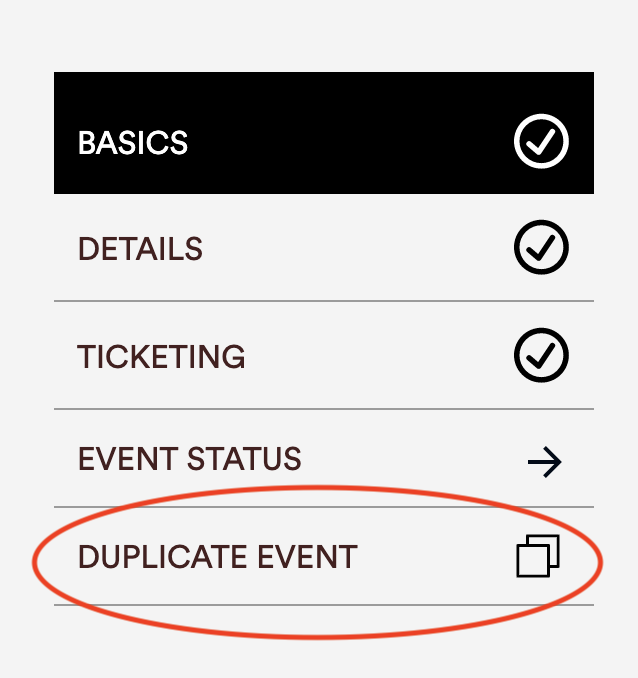
To duplicate an event that you have already created, simply click on your event in the Portal and click Duplicate Event on the left-hand side.
Then, all you have to do is edit the event title and any other information, and add the event date and time. Go ahead and submit each duplicated event as you have already done before and they should approved within 24-48 hours.
Comments
0 comments
Please sign in to leave a comment.